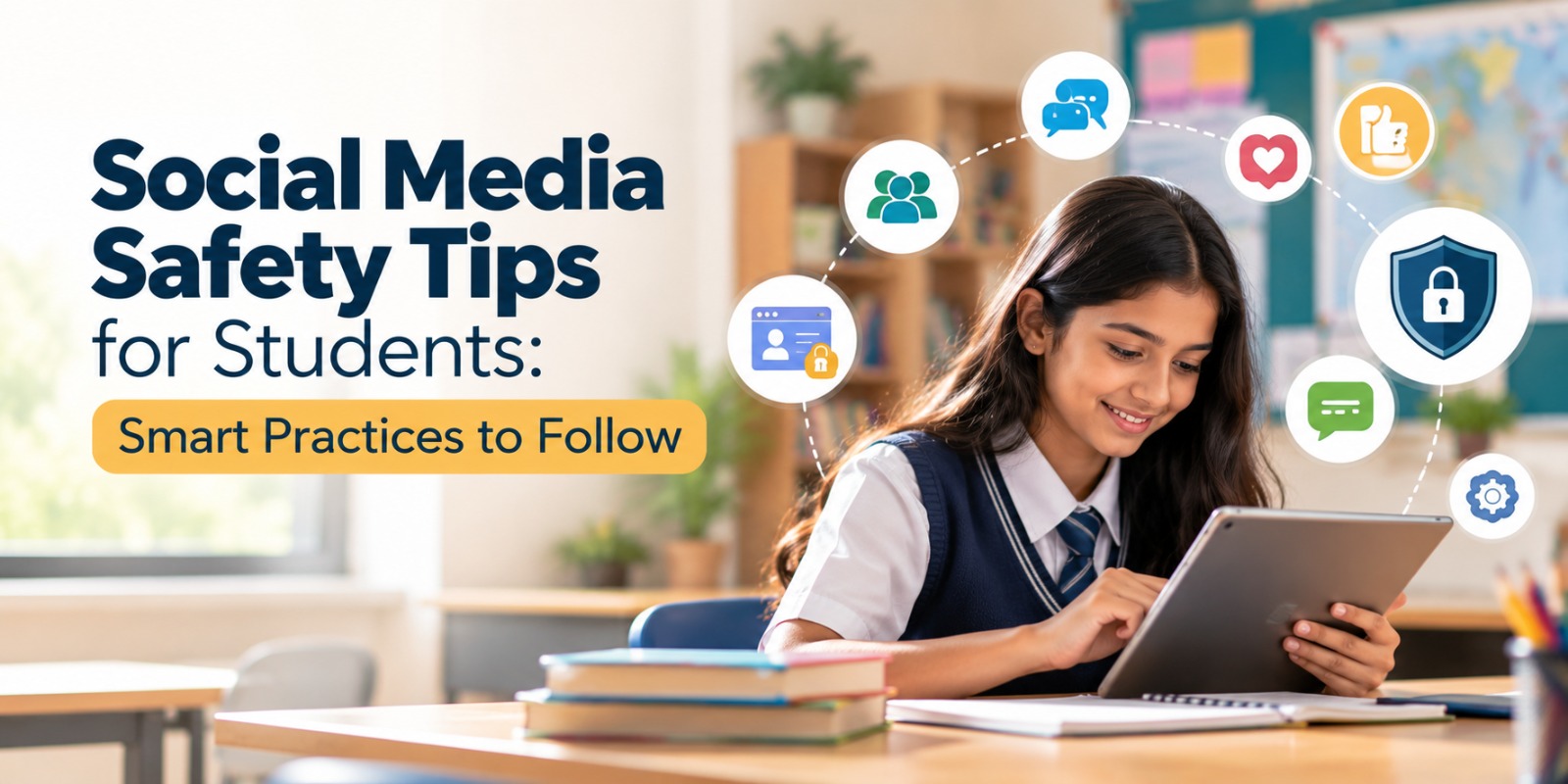
Social Media Safety Tips for Students: Smart Practices to Follow

- Admin
- 08 October 2026
An Indore student publishes a normal image from school, shares a selfie in uniform, or checks in at a tuition class. A couple of days later, a weird account starts commenting on their posts or sending friend requests. The picture looked innocent on the face of it, but it might have been the school, the place they go to, or part of what they do every day.
It is typical for students to be on social media now. Platforms like Instagram, WhatsApp, Snapchat and others make it easier to remain in touch with friends and classmates. Likewise, students may disclose personal information without being aware of how much they are sharing.
The biggest risk online isn’t always someone compromising your account. It can be the information you disclose yourself.
Being safe doesn’t mean giving up social media. It involves recognizing what needs to be private, reviewing your account settings, and considering before you post or comment.
Make Your Social Media Accounts Private
Private Profile: Only individuals you accept can view your posts, stories, and follower information. It’s one of the easiest ways to control who can get at your stuff.
Set your Instagram account to private and review your privacy settings. Also see who can send you a message, tag you, mention you, or comment on your tales. Snapchat offers similar privacy options for contacts and the material you share.
You should also periodically check these settings as platforms can change their features and settings defaults.
Use Strong Passwords and Two-Factor Authentication
A good password is long, unique, and not related to information such as your name, birthday, school, or phone number.
Using the same password for Instagram, email, gaming accounts and study applications can leave many accounts vulnerable. A password manager can let you generate and save different passwords.
Enable two-factor authentication if it is available. It's an extra piece of verification before somebody can get into your account.
Never disclose an OTP or login code to anyone who asks you for it over a call or a message. You don't have to give your password to your pals either.
Be Cautious with Personal Information
Protecting personal information involves keeping the details that can identify or locate you out of the public eye.
The school name, class, tuition center, phone number, home area, and typical times can tell you a lot about the student’s routine.
Ask a parent or trusted adult to review your profile and delete any unnecessary personal information you may have shared, especially data about where you live, study, or spend time regularly.
Never share your location in real-time.
Snap Map and Instagram location tags can betray your whereabouts. Students should know what they are sharing before they use them.
For instance, if you’re hanging out in a cafe with friends, there’s really no purpose to announce your exact position while you’re still there. The safer bet is to post the photo once you are gone.
Same goes for WhatsApp live location. It can be good to share with your parents on a school trip, or to share casually in a large group, which will give your location away to people you may not know that well.
Don’t share locations while you’re there; share after you leave.
Don't Forget Your Digital Footprint!
A digital footprint is the footprint you leave behind when you post, comment, like, tag, and other online activities.
Uninstalling an app doesn’t uninstall what you shared. They may have saved a snapshot, taken a screenshot, or shared your article somewhere else.
Search your name every month or so, review earlier posts, review tagged images, review comments you have left on other people’s posts.
Think before you share something: Would you be okay if your parents, teachers, or classmates saw it later?
Screenshot Can Survive a Deleted Message
A screenshot is a copy of something on your screen that someone else can save and share.
Disappearing messages don’t stop people from taking screenshots, and erasing a message doesn’t mean someone else hasn’t already saved it.
Pay particular attention to private photos, sensitive information, conflicts and messages you don’t want other people to see.
As a quick test, ask yourself whether you would be happy for the message to be posted in your class WhatsApp group tomorrow. Otherwise, don't send it.
Only accept friend requests from people you know
It's not like you know them just because you recognize their profile photo. You can even steal someone else's picture or make a false account that seems real.
Check mutual friends, past postings, account activity, and whether the person’s profile is authentic before accepting a request.
Be wary if a stranger becomes too friendly too quickly, invites you to go to a private chat, asks for pictures, or tells you not to tell your parents.
If you feel uncomfortable in a conversation, stop replying and notify someone you trust.
Learn how to react to cyberbullying
Cyberbullying is when someone is continually picked on online through messages, posts, exclusion, manipulated photos, or other abuse.
If you or a buddy is being targeted, don't get drawn into an argument. Save the evidence first, then if needed block the account and report it to the platform.
Tell a parent, teacher, or other trusted adult. Serious cybercrime in India can also be reported using the National Cyber Crime Reporting Portal and helpline 1930.
Parents also need to think about their own response. If youngsters think they will be punished for reporting a problem, they may conceal the next one.
Spot online frauds
Phishing is when a scammer sends a bogus message or link to try to get your information, passwords, or money.
Students may get messages about fraudulent scholarship links, test results, free gaming offers, account deletion messages, reward messages, or OTP requests.
Some frauds involve setting up phony profiles and stealing a student’s photos and contacting their friends, pretending to be the student.
Just because a communication looks authoritative, don’t click on links that look sketchy. Always check the source for yourself and never share OTP.
Make Social Media Safety Part of the Family Talk
A family media agreement is a set of regulations that parents and students agree on together.
It can cover when phones are able to be used, which new apps to talk about first, what a child should do after receiving a questionable message, and when privacy settings will be monitored.
Children who are aware that they can talk about unpleasant events without immediate punishment are more inclined to seek help.
Social media is constantly evolving, so families should be sure to check privacy settings, passwords, and new apps on a frequent basis.
Begin with a safety check
Safety on social media is created in simple habits, not a protracted discourse.
First, verify one item. It might be an open profile, an old password, a location setting, or a photograph you no longer want publicly available.
Parents can check it with their kids instead of making it an inspection. The idea is to help kids learn how to protect themselves, while still using social media responsibly.
WPS Indore SEO offers digital safety and internet awareness tools to children, parents, and schools. You can reach out to WPS Indore SEO for a digital safety session or to ask a question.